

iPhone Speaker Cleaner Sound - Free iOS Tool
Max volume. Speaker facing down. Keep away from ears.
Vibration not supported here. Sound only.
More Apple Cleaning Sounds
Pair iPhone cleaning with these related Apple speaker tools.
Airpod Speaker Cleaner Sound
Clean AirPods speaker mesh when earbuds sound quiet.
Apple Speaker Cleaner Sound
Broader Apple cleaner covering iPhone, iPad, and Mac.
Ear Speaker Cleaner Sound
Focus on earpiece receiver clarity during phone calls.
Call Speaker Cleaner Sound
Call-path cleaning tones for weak conversation audio.
Tablet Speaker Cleaner Sound
iPad speaker cleaner for larger Apple tablets.
Macbook Speaker Cleaner Sound
MacBook grille cleaner for your Apple laptop.
Phone Speaker Cleaner Sound
Universal phone cleaner for non-iPhone handsets at home.
Speaker Cleaner Sound
General speaker cleaner sound for HomePod alternatives and more.
How iPhone Speaker Cleaning Works
Recover iPhone loudness with three iOS-friendly cleaning steps.
1. Take Off the Case
Remove cases covering the iPhone bottom speaker before you begin.
2. Play iPhone Cleaner Tone
Run the iPhone speaker cleaner sound with the speaker facing down.
3. Test Calls & Music
Make a short call and play a song to confirm stronger output.
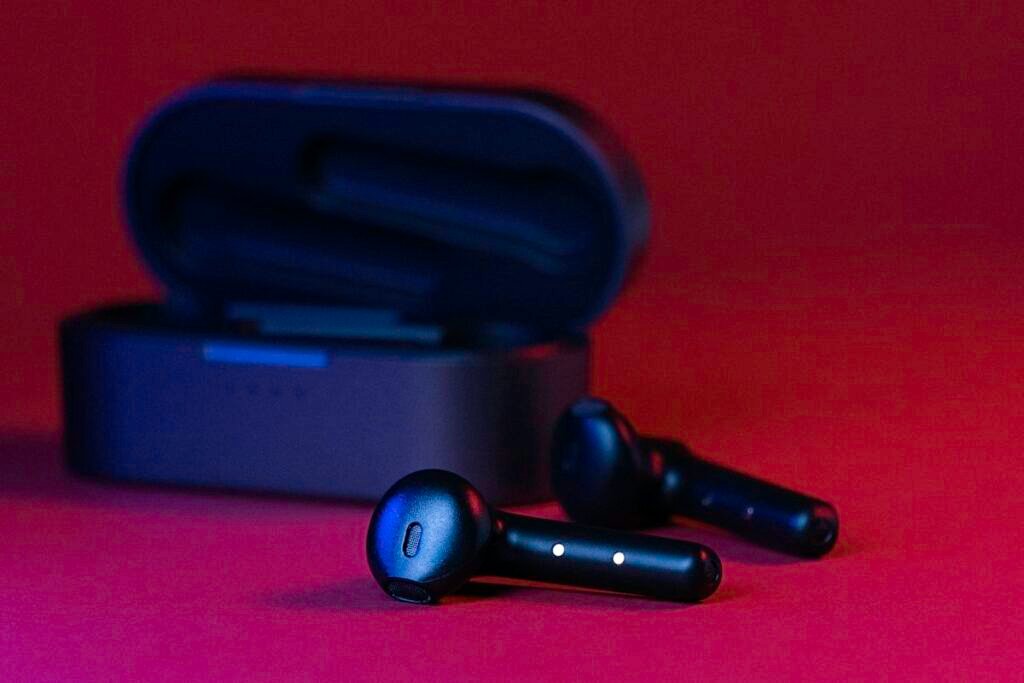
Why iPhone Speakers Need Cleaning Sound
iPhone bottom speakers and earpiece meshes clog with pocket lint faster than most people expect. When that happens, ringtones soften and FaceTime voices thin out. An iPhone speaker cleaner sound vibrates the drivers so debris can fall away.
Especially helpful for iPhone 13 through latest models with stereo speakers. Use it after rain, beach sand, or gym sessions instead of inserting SIM tools into the grill.
iPhone Speaker Cleaner Sound for Loud Clear Audio
Unclog iPhone speakers with free iPhone speaker cleaner sound. Play dust-shake and water-eject style tones that help bottom speakers and earpieces sound loud again after lint or light moisture.
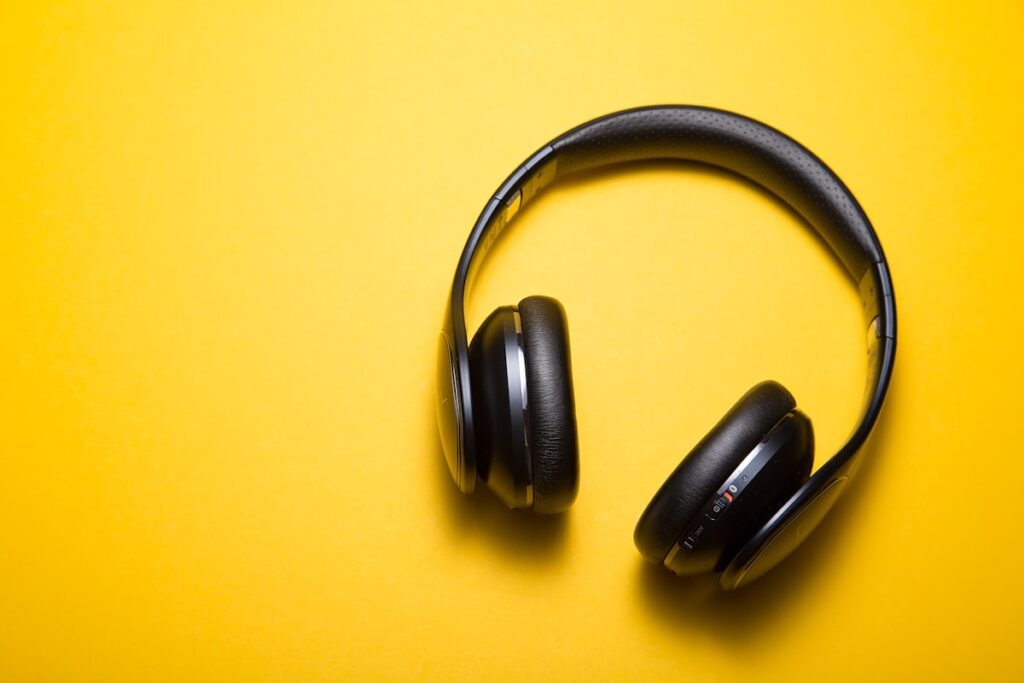
Optimized for Modern iPhone Speakers
This iPhone speaker cleaner sound supports everyday maintenance between professional cleanings and avoids risky DIY poking.
- Bottom speaker and earpiece friendly
- Works in Safari on iOS
- Helps after water alerts resolve
- No App Store install needed
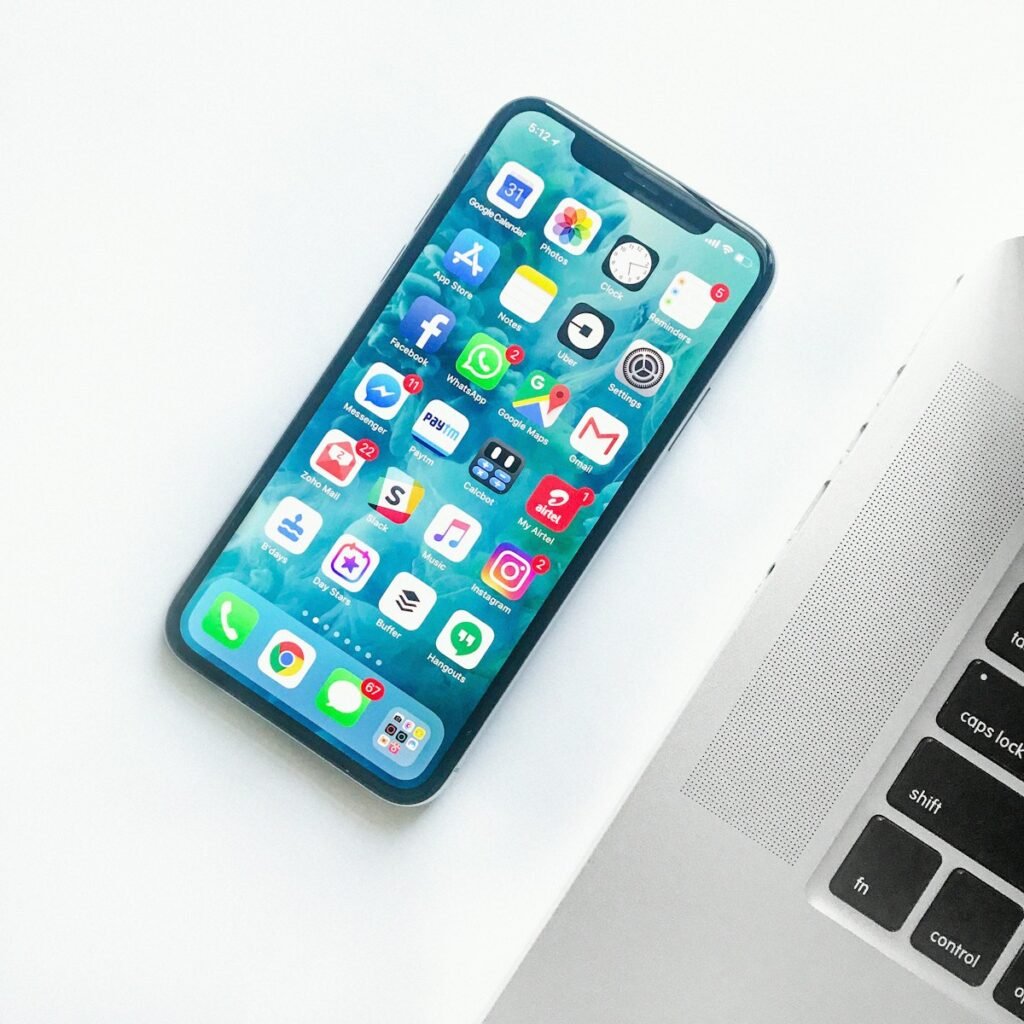
iPhone Speaker Cleaner Sound Instructions
Apple water eject demos popularized sonic cleaning, and a dedicated iPhone speaker cleaner sound extends that idea for dust as well as moisture. Rapid cone movement loosens fibers stuck in the stainless mesh.
Disable Silent Mode, raise volume, and keep the Lightning or USB-C end angled down. After the cycle, check the grill under bright light before repeating.
Make iPhone sonic cleaning part of weekly pocket-device care. Clear speakers mean more reliable alarms, louder videos, and better call presence.
Clean iPhone Speakers Now
Play iPhone speaker cleaner sound and restore stereo clarity.