

AirPods Speaker Cleaner Sound – Remove Water & Dust From AirPods
Max volume. Speaker facing down. Keep away from ears.
Vibration not supported here. Sound only.
What Is an AirPods Speaker Cleaner Sound?
An AirPods speaker cleaner sound is a low-frequency tone played through your phone, tablet, or computer speaker. The tone makes the small speaker diaphragm in your AirPods vibrate. These vibrations help move tiny water droplets and loose dust out of the speaker mesh.
It is a simple first step you can try at home before doing anything harder. It works best for light problems like trapped moisture or a thin layer of dust and lint.
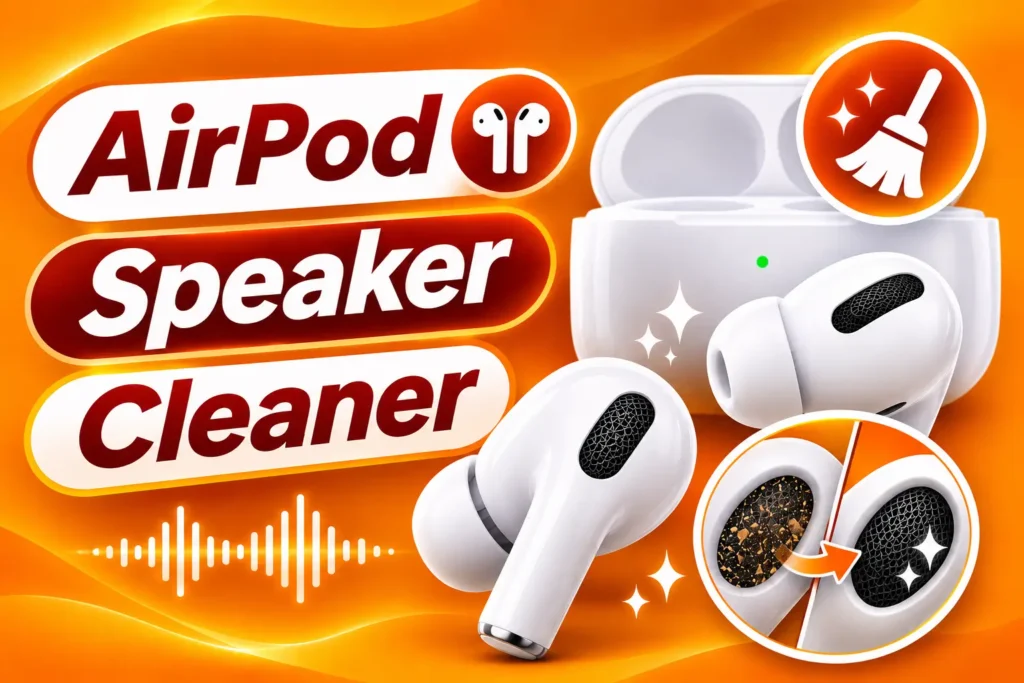
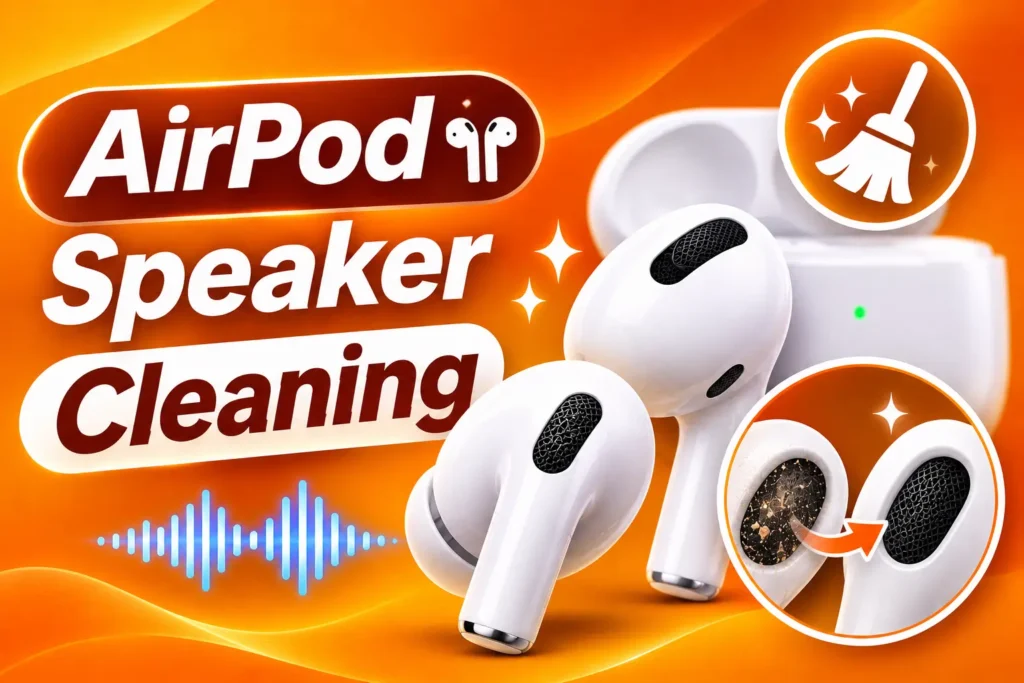
How to Use the AirPods Speaker Cleaner Sound
- Take your AirPods out of your ears. Never wear them while the cleaning tone plays.
- Dry the outside. Wipe off water with a soft, dry, lint-free cloth.
- Set your device volume to medium. Start low and raise it slowly. Do not use maximum volume at first.
- Place the AirPod with the speaker side down. Hold the speaker mesh toward your device speaker, or follow the position shown on the page.
- Press play. Let the sound run for 30 to 60 seconds.
- Wipe away any water. Small drops may come out of the mesh. Dry them with a soft cloth.
- Repeat if needed. For stubborn water, run the sound two or three times with short breaks.
- Test the sound. Play music and check if the volume and clarity are back.
- Do the other AirPod. Repeat the same steps for the second one.
How AirPod Speaker Cleaning Works
Refresh earbud drivers with three careful cleaning steps.
1. Remove Ear Tips
Take off silicone tips if present and keep mesh visible and dry.
2. Play AirPod Cleaner Tone
Place earbuds in your ears or on a cloth and play the Airpod speaker cleaner sound moderately.
3. Compare Left & Right
Play a stereo track and check that both sides sound open again.
Designed for True Wireless Earbuds
This Airpod speaker cleaner sound supports everyday earbud maintenance between deep cleanings.
- Wax-aware gentle tone profile
- Works with Bluetooth earbuds in browser setups
- No liquids inside the stem mesh
- Useful after gym sweat exposure
Related Earbud & Phone Cleaners
Keep personal audio clear with these related tools.
Headphone Speaker Cleaner Sound
Over-ear headphone driver cleaning frequencies.
Ear Speaker Cleaner Sound
Phone earpiece cleaner for on-device calls.
iPhone Speaker Cleaner Sound
iPhone loudspeaker cleaner for speakerphone mode.
Apple Speaker Cleaner Sound
Broader Apple audio device cleaning support.
Call Speaker Cleaner Sound
Call clarity cleaner when switching back to handset.
Phone Speaker Cleaner Sound
Smartphone speaker cleaner for pocket lint issues.
Speaker Cleaner Sound
General speaker cleaner for other audio gear.
Tablet Speaker Cleaner Sound
Tablet speakers when you are not using earbuds.
Airpod Speaker Cleaner Sound Care Notes
Apple warns against sharp objects in AirPods mesh, which is why an Airpod speaker cleaner sound is a safer first response to muffled earbuds. Vibration encourages debris to release from the metal screen.
Keep volume reasonable to protect hearing. If one bud stays quiet, check Bluetooth balance and battery, then repeat a shorter cleaning cycle.
Store AirPods in a clean case and wipe tips regularly so sonic cleaning remains occasional rather than constant.
Clean AirPod Speakers Now
Play Airpod speaker cleaner sound and open up earbud audio.
Why Do AirPods Sound Bad?
AirPods are small, and their speaker openings are tiny. Even a little dirt or water can change how they sound. Common causes include:
- Sweat during workouts and running
- Rain or splashes of water
- Earwax and skin oil on the mesh
- Pocket and bag lint
- Dust inside the charging case
- Humid weather and steamy bathrooms
- Washing or dropping AirPods in water by mistake
When the mesh is blocked, music sounds quiet, flat, or distorted. Calls may also sound weak.
Signs Your AirPods Need Cleaning
Look out for these signs:
Sound is lower than normal
Music and voices sound muffled
Crackling or fuzzy noise
Weak bass
One AirPod is quieter than the other
Sound changes after getting wet
Visible wax, dirt, or lint on the speaker mesh
Sound quality gets worse after a workout
Which AirPods Does It Work On?
You can use this tool on:
- AirPods (all generations)
- AirPods Pro (all generations)
- AirPods Max
- Other wireless earbuds and headphones
The sound is safe for all of them when used at a medium volume.
Are AirPods Waterproof?
No. Some AirPods models are sweat and water resistant, but none are fully waterproof. Water resistance can also wear down over time, and it does not cover soaking, swimming, or showers. Some models, such as older AirPods and AirPods Max, have no water resistance rating at all. The charging case also needs to stay dry. Always check the details for your exact model.
This is why it matters to dry and clean your AirPods quickly after they get wet.
Tips for Better Results
- Let your AirPods dry in a well-ventilated area between rounds.
- Keep the speaker mesh facing downward so water can drain out.
- Dry the charging case too, especially the AirPod slots.
- Use a soft, dry brush or lint-free cloth for dust on the outside.
- Clean your AirPods after workouts, before sweat and dirt build up.
- For AirPods Pro, remove the silicone ear tips and clean them separately with a damp cloth. Dry them fully before putting them back.
What Not to Do
- Do not wear AirPods during the cleaning sound.
- Do not use maximum volume right away.
- Do not charge wet AirPods or a wet charging case.
- Do not put AirPods in rice. It does not work well and rice dust can get into the mesh.
- Do not use heat from a hair dryer or heater. Heat can damage the speaker and battery.
- Do not use compressed air. It can push water and dirt deeper.
- Do not use alcohol, liquids, or sprays on the mesh.
- Do not push pins, needles, or sharp tools into the speaker.
- Do not try to open your AirPods yourself.
When Sound Cleaning Is Not Enough
The cleaner sound helps with water and light dust. It cannot repair physical damage. Your AirPods may need repair or replacement if:
- The sound is still crackly or quiet after several tries
- One AirPod has no sound at all
- The AirPods were fully submerged in water or went through the wash
- The speaker mesh is torn or damaged
- The AirPods were dropped hard
- The battery drains very fast
- The charging case shows signs of water damage
If you are not sure whether the speaker is damaged, run our blown speaker test to check. If the problem continues, contact Apple Support or visit a repair shop.
Why Use Our AirPods Speaker Cleaner Sound?
- Free with no limits
- Works in your browser on phone, tablet, laptop, and desktop
- No download or installation
- Easy to use with one press of play
- Works on all AirPods models and other earbuds
- Safe sound designed to clean without harming your speaker
Frequently Asked Questions
Does an AirPods speaker cleaner sound really work?
It can help. The low-frequency vibration moves water droplets and loose dust out of the speaker mesh. It works best for light problems and may not fix heavy damage.
Can I use it on AirPods Pro and AirPods Max?
Yes. It works on all AirPods models. Always remove them from your ears or head first and use a medium volume.
How long should I play the sound?
Play it for 30 to 60 seconds for each AirPod. If water is still trapped, repeat two or three times with short breaks.
Is it safe for my AirPods?
Yes, when used at medium volume. Start low and raise the volume slowly. Stop if you hear harsh distortion.
What should I do if my AirPods got wet?
Take them out, wipe them with a soft dry cloth, and keep the speaker mesh facing down. Run the cleaner sound, then let them air dry. Do not charge them until they are fully dry.
Can it clean earwax?
Not fully. The sound can loosen light dust, but earwax is sticky. Clean it gently with a soft, dry brush or lint-free cloth.
Why are my AirPods still muffled?
There may still be water or dirt in the mesh, or the speaker may be damaged. Let them dry for a few hours and try again.
Can I use it if only one AirPod sounds bad?
Yes. Clean the weaker AirPod first, then check the other one too. If one side stays much quieter, it may need repair.