

Online Oppo Speaker Cleaner Sound - Free
Max volume. Speaker facing down. Keep away from ears.
Vibration not supported here. Sound only.
How Oppo Speaker Cleaning Works
Recover Oppo speaker loudness using three quick sonic steps.
1. Open Speaker Path
Remove bulky cases that cover Oppo speaker slits before cleaning.
2. Play Oppo Cleaner Tone
Start the Oppo speaker cleaner sound and let vibrations clear the mesh.
3. Retest Video Volume
Play a short reel and confirm stronger bass and clearer voices.
Oppo Speaker Cleaner Sound
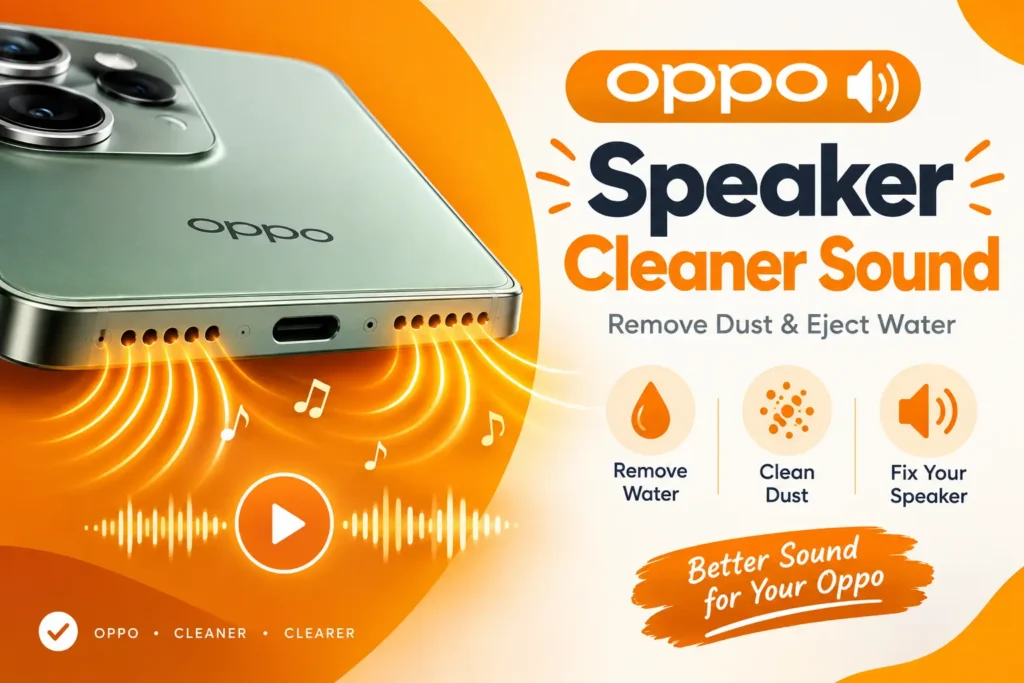
Is the speaker on your Oppo phone low, muffled or crackly? Water or dust may be stuck in the speaker grille. Play the free Oppo Speaker Cleaner Sound to help push out water and shake loose dust. It works on Oppo Find, Reno and A series phones. You do not need to install any app. Press play, keep the speaker facing down and let the sound run for 30 to 60 seconds.
Why Oppo Phones Need Cleaning Sound
Oppo bottom-firing speakers sit near charging ports where lint migrates quickly. Clogged mesh makes Dirac-tuned audio feel compressed. An Oppo speaker cleaner sound vibrates the driver to eject particles without service tools.
Ideal after commuting with the phone in tight pockets or after humid weather softens debris inside the grill. Keep stereo Oppo models sounding balanced again in a couple of minutes.
Related Android Brand Cleaners
Explore more brand-specific speaker cleaner sounds after Oppo.
Samsung Speaker Cleaner Sound
Galaxy speaker recovery tones for Samsung mesh grills.
Redmi Speaker Cleaner Sound
Xiaomi Redmi speaker cleaning for muted bottom drivers.
Google Pixel Speaker Cleaner Sound
Pixel speaker dust shake for assistant and media audio.
Android Speaker Cleaner Sound
Universal Android cleaner covering multiple OEM designs.
Phone Speaker Cleaner Sound
Cross-brand phone speaker cleaner for shared family devices.
Call Speaker Cleaner Sound
Earpiece cleaner when Oppo call audio sounds remote.
Speaker Cleaner Sound
General purpose speaker cleaner sound for any device.
Tablet Speaker Cleaner Sound
Tablet speaker cleaning if you also own an Oppo Pad.
Tuned for Oppo Reno, Find X & A Series
This free Oppo speaker cleaner sound supports popular Oppo handsets without installing APKs from unknown sources.
- ColorOS friendly – works in Chrome on Oppo browsers too
- Dust and light moisture help
- No root required
- Safe vibration cleaning only
Start Oppo Speaker Cleaning
Play Oppo speaker cleaner sound and restore ColorOS media volume.
How to Remove Water and Dust from an Oppo Speaker
If your Oppo phone sounds muffled or low after water or dust gets inside, you can fix it at home in a few simple steps. Oppo phones with ColorOS have a built-in tool for this.
Use the built-in speaker clean tool
- Wipe the phone dry with a soft cloth.
- Open Settings and go to Sounds & Vibration. On some phones, look in the Phone Manager toolbox.
- Find "Clear speaker" or "Water ejection" and start it.
- Hold the phone with the speaker facing down and keep the volume high.
- The phone plays low tones that push water and dust out. Repeat if the sound is still muffled.
If the tool is not on your phone
- Use a soft, dry brush to gently clean dust from the speaker grille.
- Use a light puff of air from a distance.
- Do not use sharp objects like pins or needles.
- Do not use a hairdryer or compressed air up close. They can damage the speaker.
Still not clear? Let the phone dry for a day. If the sound is still bad, visit an authorized Oppo service center.
Oppo Speaker Cleaner Sound Tips
Oppo marketing highlights loud speakers, yet lint can undo that advantage. Running an Oppo speaker cleaner sound periodically keeps the acoustic chamber breathing freely.
Point the speaker toward a table, play one full cycle, then inspect the grill under light. Stubborn fluff at the edge can be lifted carefully with soft adhesive tape – never metal pins.
Schedule Oppo sonic cleaning after dusty commutes. Clear ports mean stronger video playback and more reliable alarms.
Frequently Asked Questions
What is the Oppo Speaker Cleaner Sound?
It is a free online tool that plays a special sound to help push water out of your phone speaker and shake loose light dust.
Does it work on all Oppo phones?
Yes. It works on Oppo Find, Reno and A series phones, because the sound plays in your browser through your phone speaker.
Is the Oppo Speaker Cleaner free?
Yes. It is completely free, with no sign-up and no app to install.
How does the speaker cleaner sound remove water?
The sound makes your speaker vibrate fast. This movement pushes small drops of water out of the speaker holes.
Can it remove dust from my Oppo speaker?
It can shake loose light dust. If the dust is stuck, gently brush the grille with a soft dry brush.
How long should I play the sound?
Play it for 30 to 60 seconds. Check your sound, then repeat 2 or 3 times if needed.
How should I hold my phone while using it?
Hold the phone with the speaker holes facing down so the water can drain out. Set the volume to maximum and remove your case.
Is it safe for my speaker?
Yes, if you use it in short sessions. Do not play it for a long time at full volume, and stop if you hear distortion.
Why is my Oppo speaker still muffled after cleaning?
There may still be water inside, or the dirt may be too deep. Let the phone dry in open air for a few hours, then try again.
Should I put my wet phone in rice?
No. Rice does not dry the phone well, and small bits can get into the ports. Wipe the phone and leave it in a dry, airy place instead.
Can I charge my Oppo phone right after water gets in?
No. Wait until the phone and the charging port are fully dry.
When should I visit a repair shop?
Visit a repair shop if the sound is still bad after 2 or 3 days, if there is no sound at all, or if the phone was in salt water or any liquid other than clean water.
Does the tool save my data?
No. It runs in your browser, and nothing is uploaded or saved.