

Headphone Speaker Cleaner Sound
Max volume. Speaker facing down. Keep away from ears.
Vibration not supported here. Sound only.
Headphone Speaker Cleaner Sound for Over-Ear Drivers
Is the sound from your headphones low, muffled or crackly? Water, sweat or dust may be stuck inside the speaker. Use this free headphone speaker cleaner sound to help push water and dust out of the speaker mesh. It works on headphones, earphones and earbuds, and it needs no app and no signup. Refresh tired headphone drivers with free headphone speaker cleaner sound. Controlled tones help loosen dust at grille edges and revive detail on over-ear and on-ear headphones used daily.
Why Headphones Benefit From Cleaning Sound
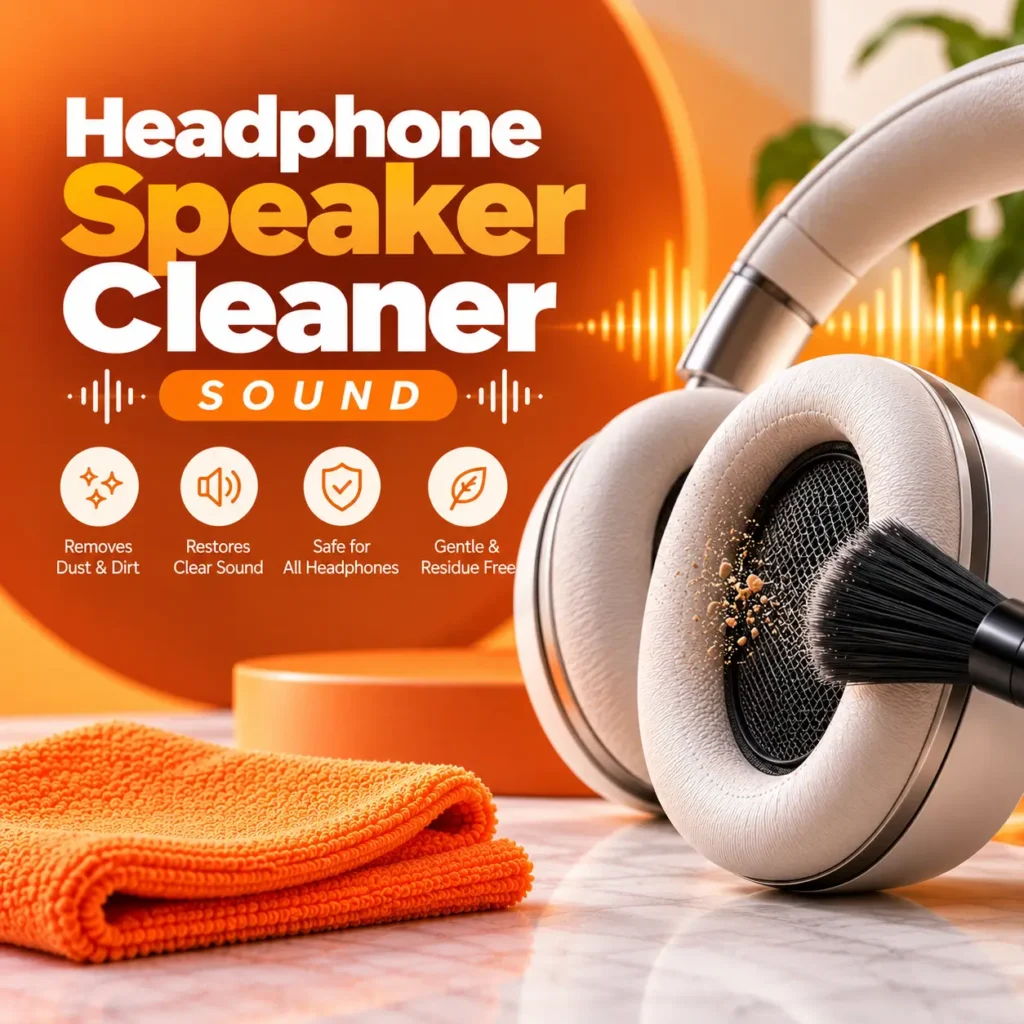
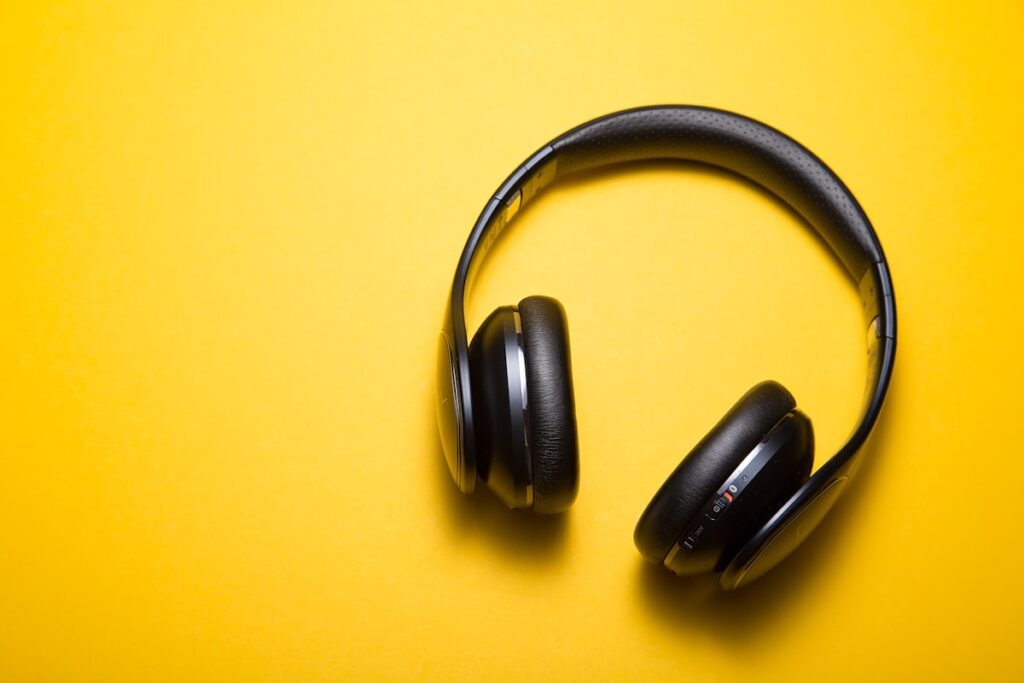
Headphone grilles collect skin oils and dust that dull treble. Foam and fabric pads hide particles near the driver. A careful headphone speaker cleaner sound gently excites the diaphragm so debris shifts without liquid cleaners on the driver itself.
Great for office headsets, gaming cans, and studio monitors that sound veiled after months of use. Always keep volume moderate to protect hearing while cleaning.
How Headphone Speaker Cleaning Works
Improve headphone clarity with three hearing-safe sonic steps.
1. Set Moderate Volume
Wear headphones loosely or cup them and keep volume at a safe medium-high level.
2. Play Headphone Cleaner Tone
Run the headphone speaker cleaner sound through both left and right drivers.
3. Compare Before & After
Replay a familiar track and listen for brighter cymbals and clearer vocals.
Why Does Headphone Sound Get Muffled?
Headphones sit close to your ears, so they collect dirt and moisture very fast. The most common reasons are:
- Sweat: Gym, running and hot weather leave moisture inside the speaker.
- Rain or water splashes: Small drops can sit behind the mesh.
- Earwax: This is the number one cause of low sound in earbuds and in-ear headphones.
- Dust and lint: Pockets and bags fill the speaker grille with fine dirt.
- Humidity: A damp room or a bathroom can leave moisture inside.
When the mesh is blocked, the sound cannot come out clearly. You hear a weak, dull or one-sided sound, even though the speaker itself is fine.
Related Personal Audio Cleaners
Also try these earbud and earpiece cleaner sounds.
Airpod Speaker Cleaner Sound
AirPods and true wireless earbud mesh cleaning tones.
Ear Speaker Cleaner Sound
Phone earpiece cleaner for weak receiver audio.
Call Speaker Cleaner Sound
Call speaker path cleaning for conversation clarity.
iPhone Speaker Cleaner Sound
iPhone loudspeaker cleaner when you switch to speakerphone.
Laptop Speaker Cleaner Sound
Laptop speakers for moments you remove the headset.
Speaker Cleaner Sound
Room speaker cleaner for desktop monitors.
Apple Speaker Cleaner Sound
Apple device cleaner including Beats accessories.
Phone Speaker Cleaner Sound
Smartphone speaker cleaner for pocket devices.
Clean Headphone Drivers Now
Play headphone speaker cleaner sound and uncover hidden detail.
What Can This Tool Do?
Water Eject Sound
This sound uses a low-frequency tone that makes the speaker vibrate strongly. The movement helps water drops move out through the speaker holes. It is useful after rain, sweat, a splash or a shower.
Dust Remove Sound
This sound uses a mix of frequencies to shake dust and fine dirt that sits on the mesh. It works best for light dust, not for hard earwax or thick dirt.
Left and Right Cleaning
You can clean one side at a time. This helps when only the left or only the right earbud sounds weak.
Frequently Asked Questions
Quick answers about cleaning your headphones with sound.
Is this headphone speaker cleaner free?
Yes. It is free to use with no signup or app.
Does it work on all headphones and earbuds?
Yes. It plays through any wired or Bluetooth headphones, earphones and earbuds, as long as they are connected as the sound output.
Can it remove water from my headphones?
It can help push out small water drops from the speaker mesh. If a lot of water got inside, let the headphones dry fully and do not charge them until they are dry.
Is the sound safe for my headphones?
Yes, when used at low to medium volume for short times. Do not play it at full volume for a long time.
Is it safe for my ears?
Only if you do not wear the headphones. Always hold them away from your ears while the sound is playing.
How long should I play it?
About 30 to 60 seconds per cycle. If it is not working after a few cycles, try manual cleaning or check for damage.
Will it fix a broken speaker?
No. It can only clear water and light dust. A damaged or burnt speaker needs repair or replacement.
My sound is still low. What now?
Clean the mesh with a soft dry brush, check the ear tips, and clean the earwax carefully. If it still sounds bad, the speaker may be damaged.