

Speaker Cleaner Sound 10000 Hz
Max volume. Speaker facing down. Keep away from ears.
Vibration not supported here. Sound only.
How to Use Speaker Cleaner Sound 10000 Hz
Follow these simple steps:
- Wipe the outside of your device with a dry, soft cloth.
- Remove the case if it covers the speaker holes.
- Hold the device with the speaker facing down.
- Turn the volume to a safe, medium-to-high level.
- Press the play button on this page.
- Let the sound play for 30 to 60 seconds.
- Stop and check if your speaker sounds clearer.
- Repeat two or three times if needed.
Related Sound Cleaning Tools
Explore popular sound cleaner tools and device-specific modes – including Samsung speaker cleaner sound and more.
Phone Speaker Cleaner Sound
Phone Speaker Cleaner Sound is a free online tool that plays a special tone to push water and dust out of your phone speaker. Just open the page, press play, and enjoy clearer, louder sound in seconds.
iPhone Speaker Cleaner
Use an iPhone speaker cleaner tone to clear earpiece and bottom speaker mesh. Ideal after rain, workouts, or pocket lint buildup.
Android Speaker Cleaner
Android speaker cleaner frequencies help vibrate debris free from Pixel, OnePlus, Xiaomi, and other Android handset speakers.
Samsung Speaker Cleaner Sound
Play optimized Samsung speaker cleaner sound to remove dust and moisture from Galaxy phone speakers and restore loud, clear ringtone and media audio.
Laptop Speaker Cleaner
Laptop speaker cleaner audio helps clear keyboard-adjacent speakers that collect dust and sound muffled during calls.
Earbud Cleaning Tone
Gentle yet effective earbud cleaning tone for AirPods, Galaxy Buds, and wired earphones blocked by wax or moisture.
Bluetooth Speaker Cleaner
Revive portable Bluetooth speakers with focused cleaning sound waves that improve bass response and vocal clarity.
Oppo Speaker Cleaner Sound
Oppo Speaker Cleaner Sound is a free online tool that plays a special tone to push water and dust out of your Oppo phone speaker. Just open the page, press play, and get clearer, louder sound in seconds.
Google Pixel Speaker Cleaner Sound
Google Pixel Speaker Cleaner Sound is a free online tool that plays a special tone to push water and dust out of your Google Pixel speaker. Just open the page, press play, and get clearer, louder sound in seconds.
Tablet Speaker Cleaner Sound
Tablet Speaker Cleaner Sound is a free online tool that plays a special tone to push water and dust out of your tablet speaker. Just open the page, press play, and get clearer, louder sound in seconds.
Headphone Speaker Cleaner Sound
Headphone Speaker Cleaner Sound is a free online tool that plays a special tone to push water and dust out of your headphone speakers. Just open the page, press play, and get clearer, louder sound in seconds.
Macbook Speaker Cleaner Sound
MacBook Speaker Cleaner Sound is a free online tool that plays a special tone to push water and dust out of your MacBook speakers. Just open the page, press play, and get clearer, louder sound in seconds.
Apple & ios Speaker Cleaner Sound
Apple & iOS Speaker Cleaner Sound is a free online tool that plays a special tone to push water and dust out of your iPhone, iPad, and other Apple device speakers. Just open the page, press play, and get clearer, louder sound in seconds.
AirPods Speaker Cleaner Sound
AirPods Speaker Cleaner Sound is a free online tool that plays a special tone to push water and dust out of your AirPods speakers. Just open the page, press play, and get clearer, louder sound in seconds.
Sound Cleaner
Sound Cleaner is a free online tool that plays a special tone to push water and dust out of your device speaker. Just open the page, press play, and get clearer, louder sound in seconds.
Speaker Cleaner Sound 20000 Hz
Speaker Cleaner Sound 20000 Hz is a free online tool that plays a very high-pitched tone to push water and dust out of your speaker. Just open the page, press play, and get clearer, louder sound in seconds.
What Is Speaker Cleaner Sound 10000 Hz?
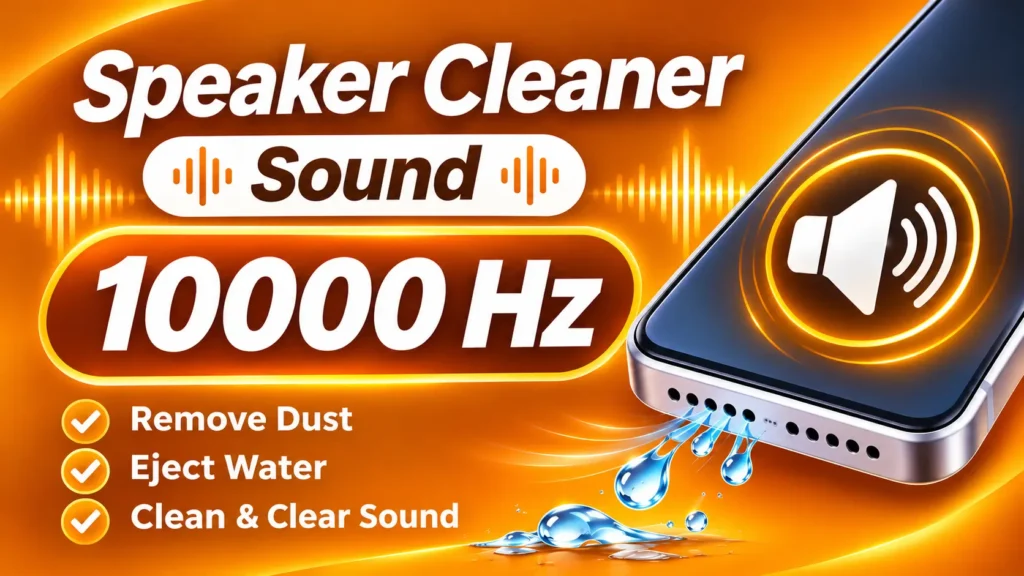
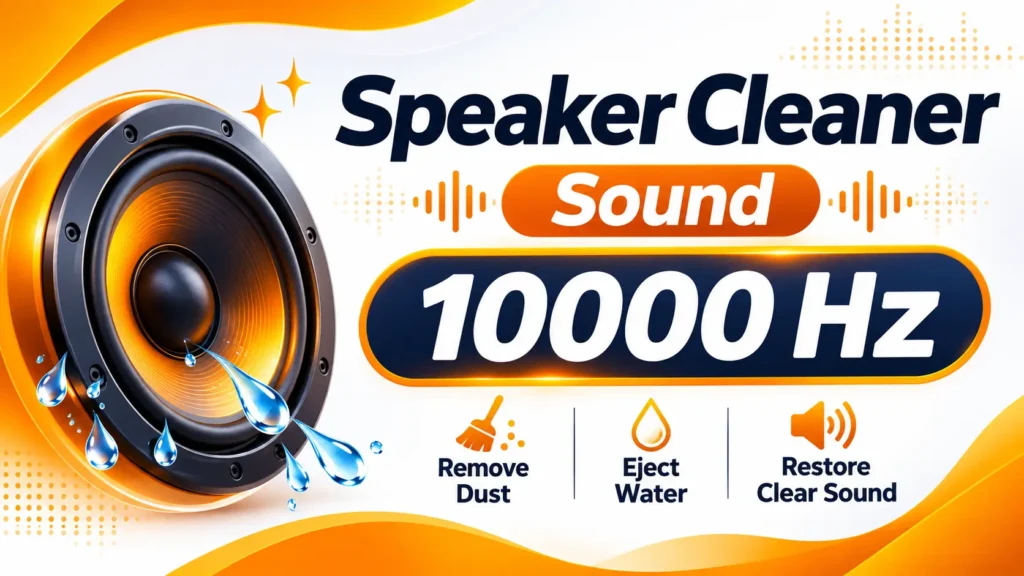
Speaker Cleaner Sound 10000 Hz is a free online tool that plays a clear, high-pitched tone at 10,000 hertz (10 kHz). Hz is the unit that measures how fast a sound wave vibrates. At 10,000 Hz, the sound wave vibrates 10,000 times every second. This fast movement makes the speaker membrane shake, which can help push out small water drops and loose dust stuck near the speaker grille.
You do not need to download any app. Open the page, turn up your volume, and press play.
What Does 10000 Hz Mean?
Humans can usually hear sounds from 20 Hz to 20,000 Hz. A 10,000 Hz tone sits in the high-frequency part of this range. Most people can hear it clearly, and it sounds sharp and bright, like a whistle. This is a big plus. Because you can hear it, you can easily tell if your speaker is playing the tone properly.
Does the 10000 Hz Speaker Cleaner Sound Work?
It can help in light cases. Phone speakers play 10000 Hz much better than extremely high tones, so the sound is strong and steady. The fast vibration can shake loose small water drops and light dust from the speaker holes. It works best when:
- Your phone got a few drops of water on it
- Your speaker sounds slightly muffled or low
- Light dust or lint is sitting on the speaker grille
Benefits of Using a Speaker Cleaner Sound
Free to use
No payment, no sign-up, no limits.
No app needed
It runs in your browser.
Fast
You can try it in less than a minute.
Easy to hear
The 10000 Hz tone is clear, so you know it is working.
Works on many devices
iPhone, Android, tablets, laptops, headphones, and Bluetooth speakers.
Simple
One button is all you need.
Why Does My Speaker Sound Muffled?
A muffled or low speaker is usually caused by one of these problems:
- Water inside the speaker: Even a small amount can block sound.
- Dust and dirt: Pocket lint and dust can clog the grille over time.
- Phone case: Some cases partly cover the speaker holes.
- Low volume or sound settings: Check that your volume is up and Bluetooth is not connected to another device.
- Speaker damage: A dropped or old phone may have a worn-out speaker.
Tips to Keep Your Speaker Clean
- Wipe your phone often with a soft, dry cloth.
- Use a soft, dry brush to gently clean the speaker grille.
- Do not use pins, needles, or sharp tools.
- Do not blow compressed air close to the speaker.
- Keep your phone away from water, sand, and heavy dust.
- Clean your phone case often.
What to Do If Your Phone Gets Wet
- Turn the phone off if it is very wet.
- Wipe it with a dry cloth.
- Do not charge it until it is fully dry.
- Leave it in a cool, airy place.
- Do not use a hair dryer, and do not put it in rice.
- Once the outside is dry, play the speaker cleaner sound to help clear water from the speaker.
Safety Tips
- Do not play the sound at full volume for a long time.
- Keep your ears away from the speaker while it plays. The 10000 Hz tone is sharp and can be uncomfortable.
- Keep the sound away from pets. Dogs and cats hear high frequencies very well.
- Do not wear headphones or earbuds while the sound plays.
- Stop right away if you hear crackling or distortion.
- Take short breaks between rounds.
Works on All Devices
You can use Speaker Cleaner Sound 10000 Hz on:
When Should You Visit a Repair Shop?
A sound cleaner cannot fix physical damage. Visit a repair shop if:
- The speaker stays silent
- The sound is crackly after the phone has dried for a full day
- The speaker is still muffled after several tries
- Your phone has heavy water damage
Why Use 10000 Hz Instead of Other Frequencies?
Why Use 10000 Hz Instead of Other Frequencies?
Different frequencies do different jobs. Here is a simple guide:
- Low frequencies (50–500 Hz): Strong vibration. Best for pushing out water.
- Mid frequencies (1000–5000 Hz): Good for general speaker testing.
- 10000 Hz: Clear, high tone. Good for loose dust and light cleaning, and easy to hear and check.
- 20000 Hz: Very high tone. Many people cannot hear it, and some speakers play it weakly.
If one sound does not help, try another frequency. Using more than one gives you the best chance of a clearer speaker.
Ready to Clean Your Speakers?
Play the free sound cleaner now – fix muffled speakers, eject water, and remove dust in under two minutes.
Speaker Cleaner Sound 10000 Hz – FAQs
Quick and simple answers about the 10000 Hz speaker cleaner sound and how to use it.
What is Speaker Cleaner Sound 10000 Hz?
It is a free online tool that plays a clear, high-pitched tone at 10,000 hertz (10 kHz). The tone makes your speaker vibrate fast. This can help shake loose dust and small water drops near the speaker grille.
What does 10000 Hz mean?
Hz (hertz) measures how many times a sound wave vibrates in one second. A 10000 Hz sound vibrates 10,000 times every second. It is a high tone, like a sharp whistle, and most people can hear it clearly.
Does the 10000 Hz speaker cleaner sound work?
It can help in light cases, such as a few water drops or loose dust on the grille. Results are not the same for every phone. It will not fix a damaged speaker, and it may not clear heavy dirt or a lot of water.
Can I hear the 10000 Hz sound?
Yes, most people can. Human hearing usually goes up to about 16,000–20,000 Hz, so 10000 Hz is easy to hear. If you hear a clear, steady tone, the tool is working. If you hear nothing, check your volume and make sure your device is not on silent or connected to Bluetooth.
How do I use Speaker Cleaner Sound 10000 Hz?
Follow these easy steps:
- Wipe your device with a dry, soft cloth.
- Remove the case if it covers the speaker.
- Hold the device with the speaker facing down.
- Set the volume to a safe, medium-to-high level.
- Press the play button on this page.
- Play the sound for 30 to 60 seconds, then check your speaker.
How long should I play the 10000 Hz sound?
Play it for 30 to 60 seconds at a time. Check your speaker after each round. You can repeat it two or three times with short breaks in between.
Is 10000 Hz better than 20000 Hz?
For most phones, 10000 Hz is easier to use. Speakers play it more clearly, and you can hear it, so you know it is working. A 20000 Hz tone is very high, and many people cannot hear it. Some speakers play it weakly.
Is 10000 Hz good for removing water?
It can help with a few small drops. For more water, lower-frequency sounds usually work better because they shake the speaker harder. If 10000 Hz does not help, try a low-frequency water eject sound.
Can it remove dust from my speaker?
It can help move light, loose dust out of the speaker grille. For thick or packed dust, gently clean the grille with a soft, dry brush. Never use pins, needles, or sharp tools.
Is it safe to play 10000 Hz on my speaker?
Yes, it is generally safe for short times at a normal volume. Do not use full volume for a long time. Stop if you hear crackling or distortion. Keep your ears away from the speaker, because the tone is sharp and can be uncomfortable.
Can the 10000 Hz sound hurt my pets?
It can bother them. Dogs and cats hear high sounds better than people do. Keep your pets out of the room while you use the tool.
Can I use it on iPhone, Android, and headphones?
Yes. It runs in your browser, so it works on iPhone, Android phones, tablets, laptops, and MacBooks. You can also use it with headphones, earbuds, and Bluetooth speakers. Do not wear headphones or earbuds while the sound plays.
Is this tool free?
Yes. It is free to use, with no app to install and no sign-up. You can use it as many times as you need.
Why is my speaker still muffled after using it?
There may still be water or dirt deep inside, or your speaker may be damaged. Let the device dry fully for a day, then try again. Also check that your case is not blocking the speaker and that your volume and Bluetooth settings are correct.
When should I take my device to a repair shop?
Go to a repair shop if the speaker stays silent, sounds crackly, or is still weak after the device has dried and you have tried the sound a few times. These can be signs of damage that a cleaner sound cannot fix.